When you renew your licenses, you don’t have to change the license key in all your reports, at least not all at once. You only need to change the license key if/when you want to change a report (put the report in so-called “Edit” mode). All reports that have been published in the past will run indefinitely for all viewers. Only when a designer wants to change a report, he/she has to enter the new license key. Technically, the license key is checked at the moment when a designer clicks “Edit” and wants to update something in the report. At that point, this user needs to enter the new license key, otherwise, this particular report will get locked.
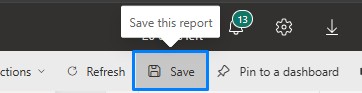
Below, you will notice that as soon as a user “Edits” the report, the visuals get blocked, prompting a user to insert a new license key. License key needs to be inserted ONCE into each type of visual, so a maximum of three times per report (Zebra BI Tables, Charts, and Cards) and navigate to a different page so the license key gets recognized everywhere. Save the report and go back to Reading mode.
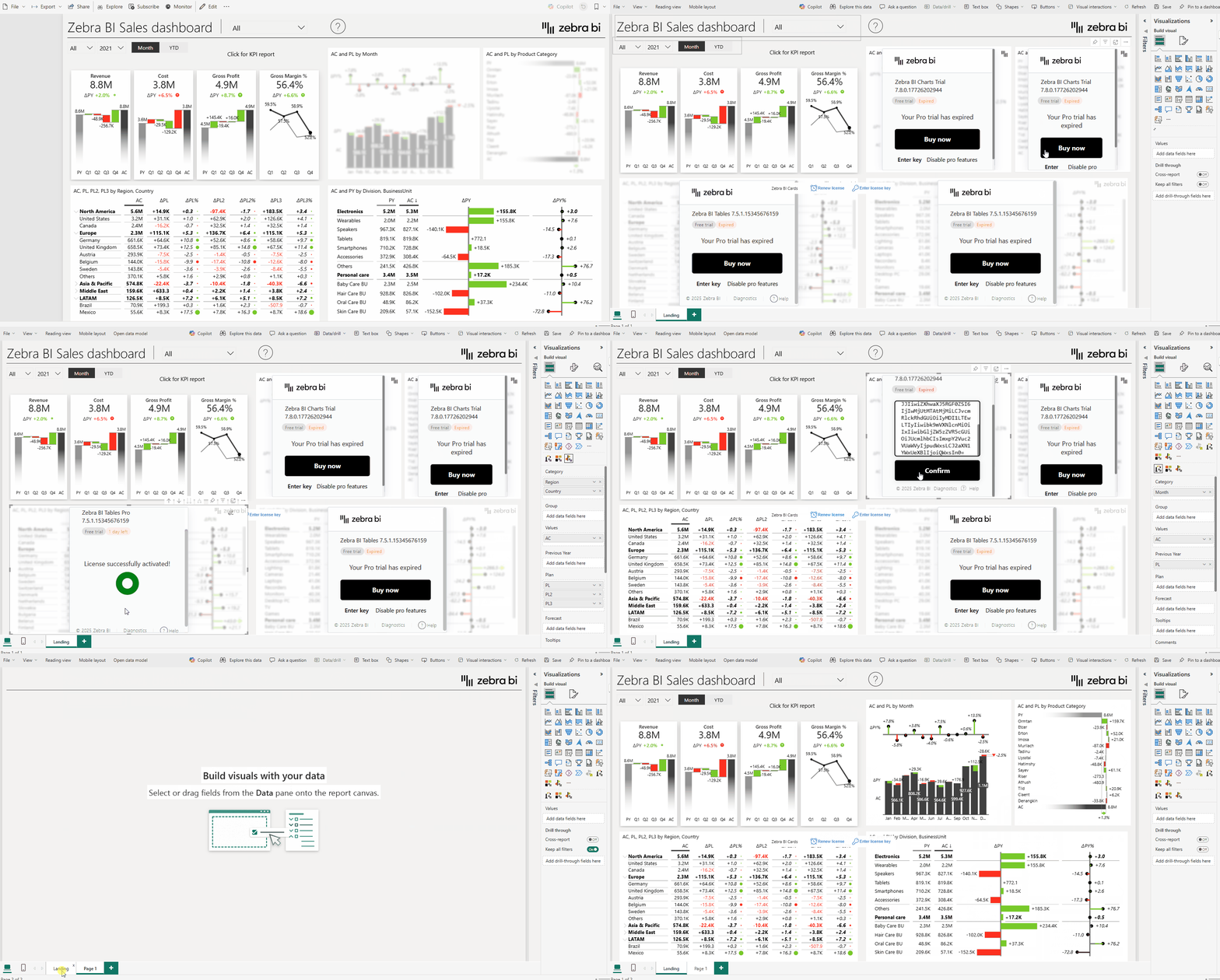
Step by step:
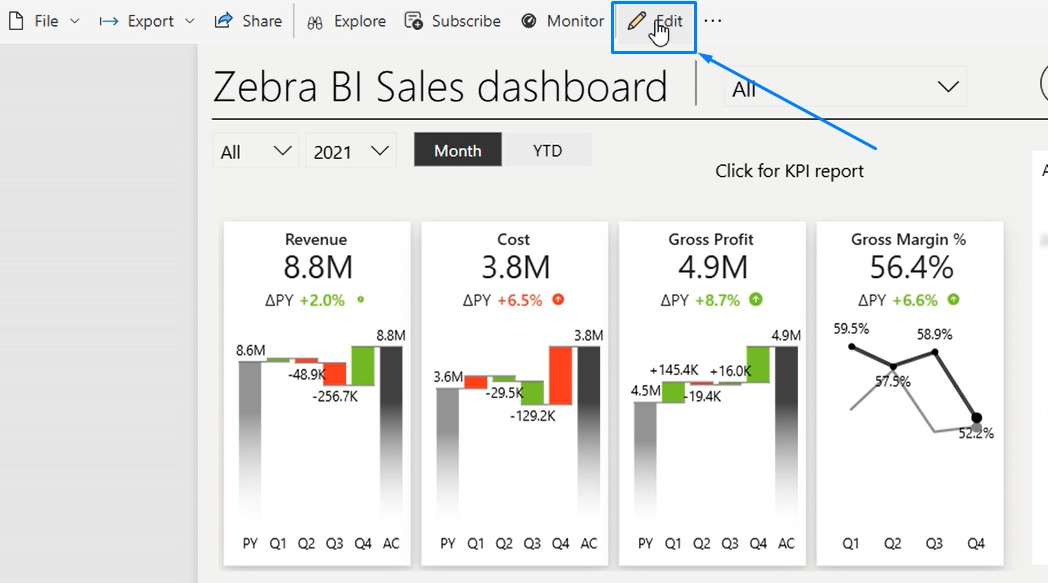
- Open report and click on Edit
- The visuals get locked
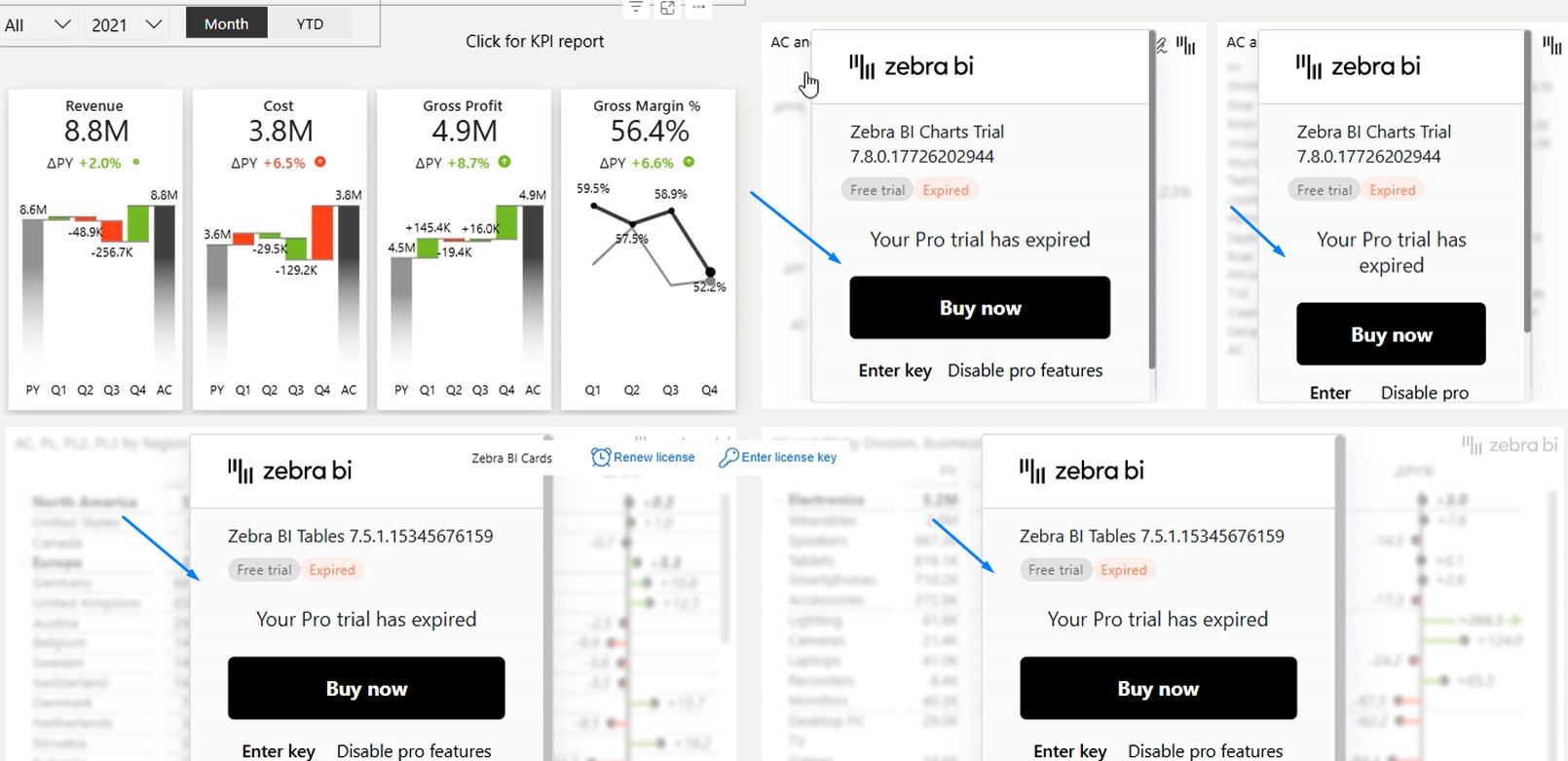
- Press “Enter key” on each visual type (Charts, Tables, Cards)

- Enter the key and press Confirm

- Navigate to a different page so all the visuals get refreshed
- Save the report before going back to Reading view